
On this page
Step by step
Set the privacy notice address
A form takes submissions only once your privacy notice address is set. Under Settings → Patient portal, enter the full https:// address of the notice on your website in Privacy notice address.
Create the form
Under Settings → Lead forms, press New lead form. The name in your workspace is seen only by your team, for example “Website – implants”.
Write the languages and texts
Under Languages choose Turkish, English or both. For each language write the Title, the Introduction and the Thank-you message.
Choose the fields
Under Fields decide what the form asks: first name (always asked), family name, e-mail, phone, WhatsApp, country, language, services, message and preferred channel. At least one way to reach the person must be shown.
Decide where submissions go
Under Where submissions go pick the Services offered on the form, the pipeline where cases start and the Source. Your assignment rules decide who owns the cases.
Offer marketing consent if you want it
Offer news and offers by e-mail and messages adds an unticked box to the form; the person's choice is recorded with their contact.
Go live
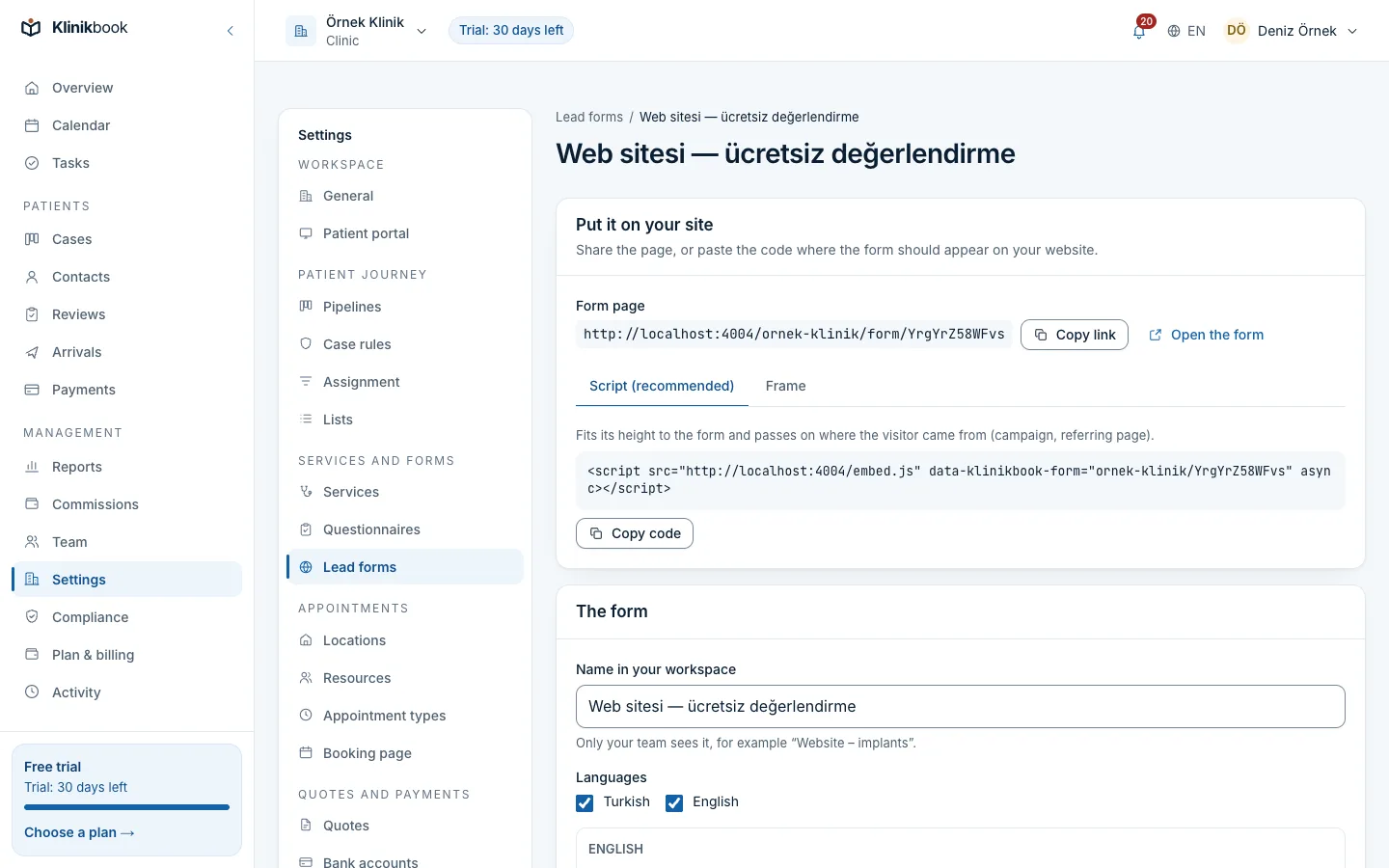
Make sure Takes submissions is on and save. Put the Form page link on your Instagram profile or in your ads, or add the Script (recommended) from Embed code to your website.
Script or frame?
- Script (recommended)
- Use it whenYou can add code to your site
- Source informationFits its height to the form; campaign and referring page are passed on
- Frame
- Use it whenYour site builder accepts no scripts
- Source informationWhere the visitor came from is not passed on
Common questions
What if the same person submits twice?
The person is matched first by e-mail, then by number, so no new contact is created. The submission opens a new case on that person.
Can I pause the form?
Yes. Turn off Takes submissions; the form and its page say it is closed. A workspace that is read-only because of the subscription still receives submissions.
Is it protected against bots?
The form has a hidden trap field and a submission limit; submissions filled in by bots open no contact or case.
Related reading
30-day free trial
Try Klinikbook with your own team
Every feature is open for 30 days, and no card is needed to start.