
Send a pre-assessment form to a patient
Published 20 October 2026Reviewed 20 October 20262 min read
On this page
Step by step
Check what you need
Your privacy notice must be set under Settings → Patient portal; the patient confirms it before sending. If you have no form yet, copy one of the ready templates (general, dental, hair transplant, eye and others) under Settings → Questionnaires.
Open the Pre-assessment tab
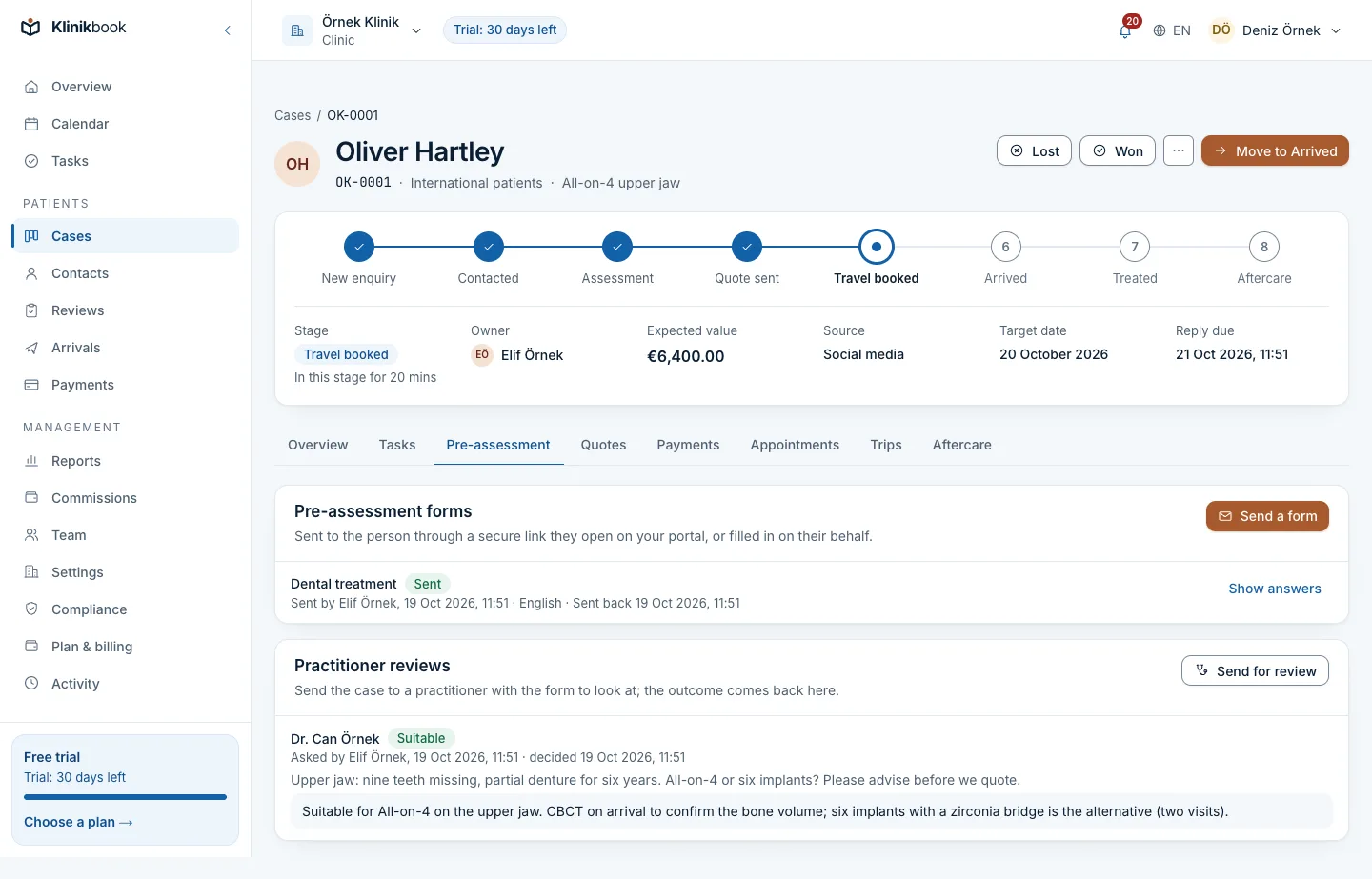
Pick the case under Cases, switch to the Pre-assessment tab and press Send a form.
Choose the form and language
The form for the case's service comes first. If you leave Language as it is, the person's own language is used when the form is offered in it.
Send the link
E-mail the link to the person's address, or copy it and send it on WhatsApp. The link is shown only once; send it only to the person.
The patient fills it in
The patient opens the link on the portal, saves answers as they go and adds the photos and documents asked for. Before sending they confirm the privacy notice and give explicit consent for the health information they share.
Read the answers
When the patient sends it, the person who sent the form and the case's owner are notified. The Pre-assessment tab shows the answers and files as a summary.
Send it to a practitioner if needed
Send for review puts the case in the practitioner's queue. See the article “Review a pre-assessment” for the details.
Good to know
- The link is valid for 14 days. If it expires or gets lost, make a new one; the old one stops working at once.
- A case can have only one open form of the same questionnaire at a time.
- If the patient struggles, you can fill it in for them over the phone; this needs permission to work cases.
- To end a form, cancel it; its link stops working.
- Photos and documents are stored privately, scanned for malware and limited to 20 MB each.
Common questions
Does the patient need an account?
No. The patient enters the portal with the secure link sent to them; no app download is needed either.
Why can't I send the form?
A form cannot be sent until the workspace has set its privacy notice. A person whose processing is restricted is not sent new forms either.
Related reading
30-day free trial
Try Klinikbook with your own team
Every feature is open for 30 days, and no card is needed to start.