
ProductAftercare follow-up
Stay with your patients after they fly home
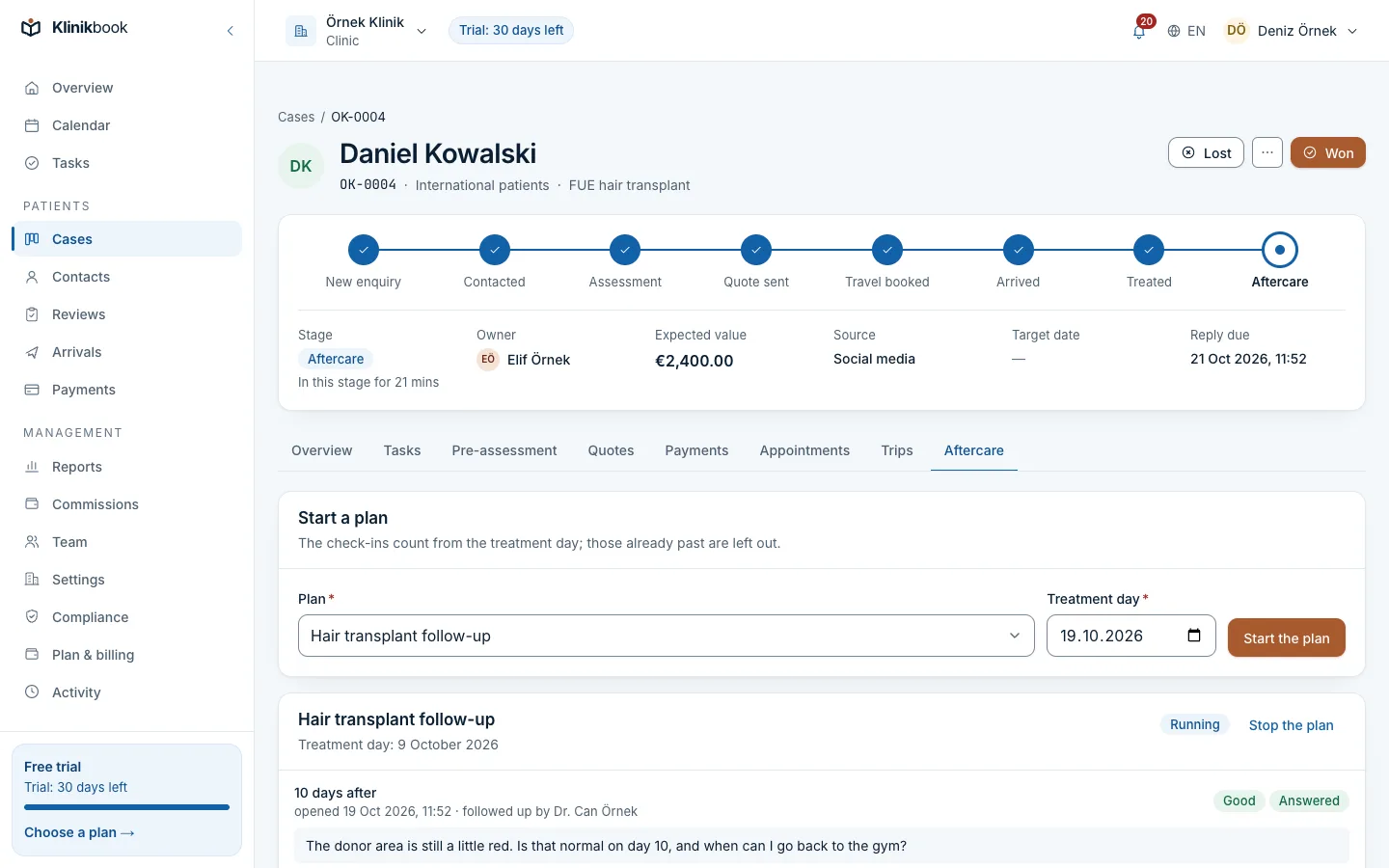
In Klinikbook aftercare runs by itself from the plan you set up for each service: on check-in day the patient gets an e-mail and the responsible team member a task. The patient says how they feel on the portal and adds photos, and anyone who asks for a call is never missed.
- A plan per service
- Check-in e-mails on the day
- Answers and photos on the portal
What happens when the patient goes home?
How it usually goes
- The week-one call is forgotten.
- Nobody asks for the day-30 photos.
- A patient's question sits unanswered on WhatsApp.
- The patient reads the silence as indifference.
With Klinikbook
- The plan starts by itself when the case reaches treated.
- Check-in day sends the patient an e-mail and the team a task.
- A question or a call request lands as a task.
- Every answer sits on the case's timeline.
Inside the case
Mark it treated, aftercare begins
Moving the case to treated starts the plan for its service that day and moves the case to follow-up. You can also start a plan by hand on the case, from any treatment day.
- Separate plans for hair and implants
- The person or role who follows up
- Documents such as care instructions
What the patient sees
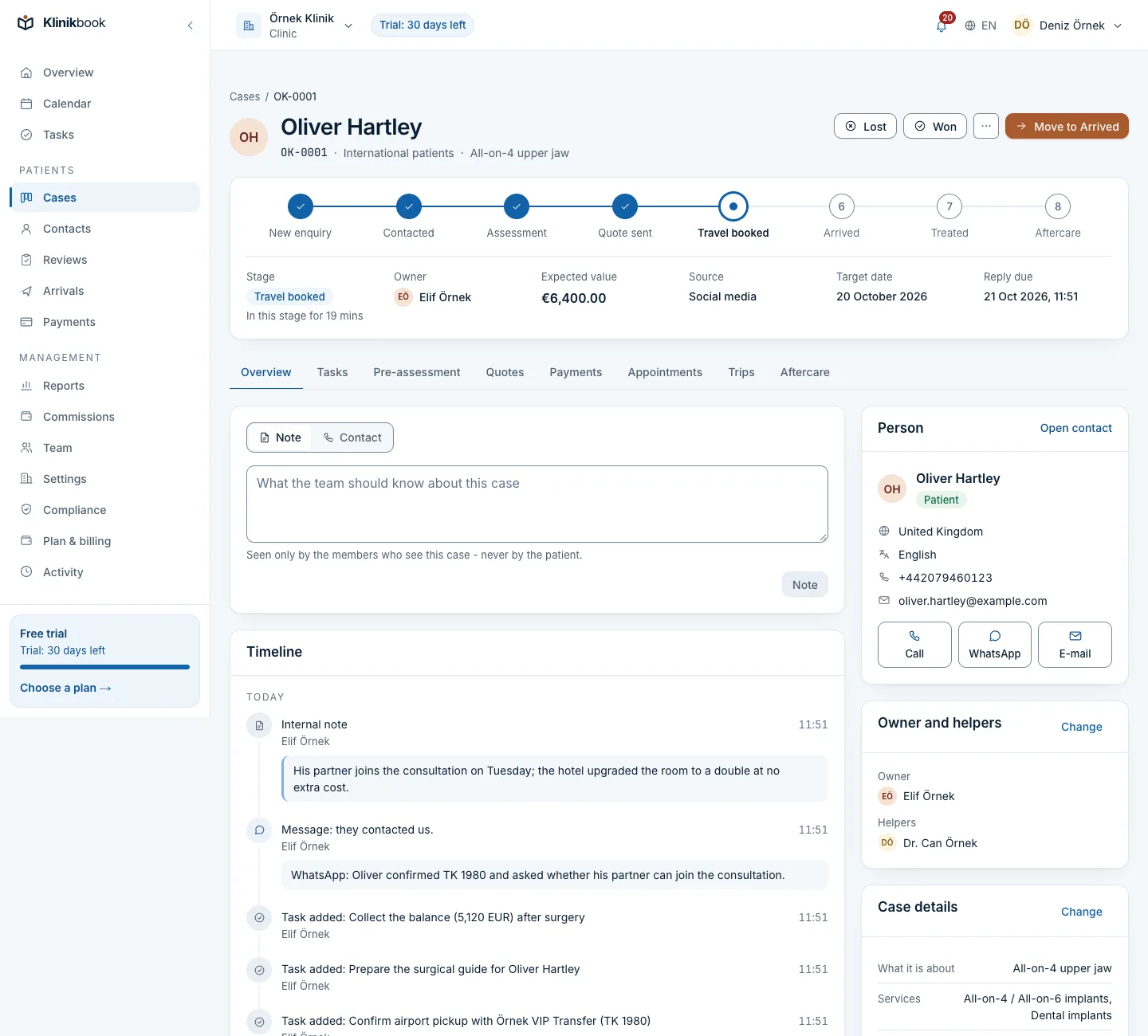
The check-in waits on the patient's first screen
On check-in morning the patient gets an e-mail with a portal link, and the open check-in sits among their next steps. They pick how they feel, write a question and add photos.
- How they feel, in three choices
- Photos at the check-ins you choose
- A “please call me” request
What aftercare includes
- Starts by itselfThe plan starts at treated; future check-ins open on their day.
- A timed task for the teamWhen a check-in opens, the person following up gets a task timed to your response target.
- No call request missedA question or a call request opens a task with a response target; other answers arrive as notifications.
- Documents for the patientAttach care instructions, a guarantee or a certificate as a PDF or image; the patient downloads it on the portal.
How it works
Set up the plan once
A new plan starts with day 1, week 1 and month 1 check-ins; change them per service.
Mark the treatment
Move the case to treated; the plan starts and the case moves to follow-up.
Check-ins open on their day
The patient gets an e-mail and the team a task; a check-in unanswered for 30 days closes as unanswered.
Reply as needed
Call the patient or open the WhatsApp chat from the contact in one tap, and note the conversation on the case.
Do check-ins go by SMS or WhatsApp?
No. The check-in goes by e-mail and the patient answers on the portal. To reach them on WhatsApp, the link on the contact opens the chat on your own phone.
What if the patient does not answer?
The check-in stays open and so does the task. A check-in unanswered for 30 days counts as unanswered and shows in reports.
Can I stop a patient's follow-up?
Yes. Stopping the plan drops future check-ins; answers received so far stay on the case.
Where are the patient's photos kept?
They are stored privately, virus-scanned and open only to team members who can see the case, through links that expire.
Which plan includes aftercare?
Every plan. Plans differ only in users, locations and storage.
Related reading
Free tools
30-day free trial
Try Klinikbook with your own team
Every feature is open for 30 days, and no card is needed to start.