
SolutionsFor physiotherapy clinics
Full therapist diaries, no empty sessions
Klinikbook gives physiotherapy and rehabilitation centres one place for therapist, room and device calendars, an online booking page, e-mail reminders, a no-show count, and a course of sessions as a quote with a payment plan.
- Therapist, room and device calendar
- E-mail reminders
- A course of sessions as a quote
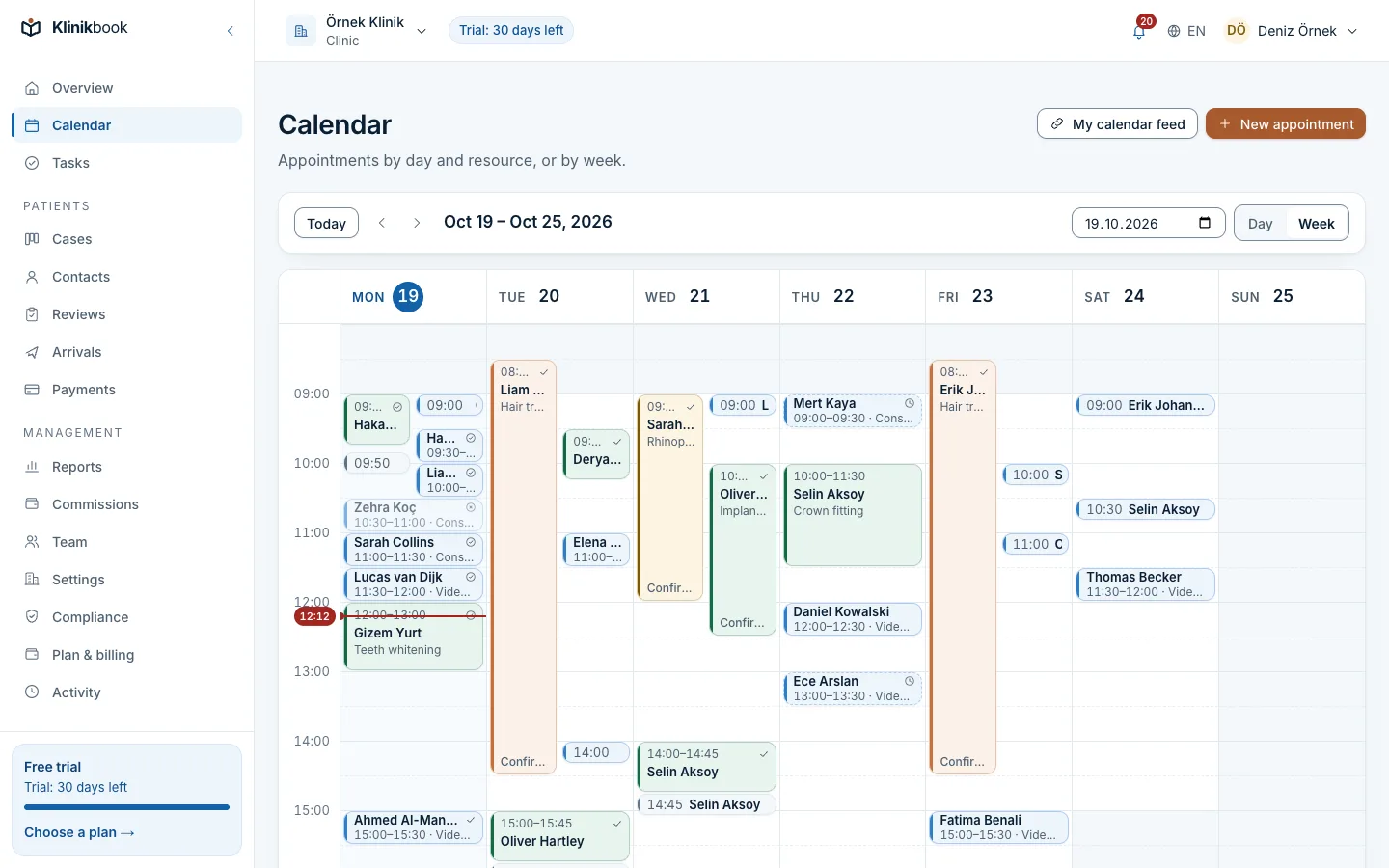
A day in a session-based centre
How it usually goes
- Each therapist's diary lives in a separate book or sheet.
- A patient does not come, the slot is lost, and nobody knows how often.
- The package price and instalments sit in a message.
- A device or room is given to two patients at once.
With Klinikbook
- Therapist, room and device in one calendar; clashes are blocked.
- Reminder e-mails go out on their own and the no-show count sits on the contact.
- A course of sessions is a quote; a payment plan follows acceptance.
- A session that needs a device is booked only when the device is free.
Calendar
Therapist, room and device must all be free
You define which therapist, room and device a session type needs. Duration and the buffer between sessions belong to the type, and the database refuses a double booking outright.
- Practitioner, room and device resources
- Durations and buffers
- Drag and drop to move a time
Patient side
Patients pick their next session themselves
Your booking page lists your session types and the free times, and embeds in your website as a widget. A single appointment is booked on its own: the front desk books it, or the patient picks from the page. For a course of sessions you use a treatment plan, which books the next visits at its interval in one go.
- Confirmed at once or awaiting your approval
- A cancellation window you set
- Patients see their appointments on the portal
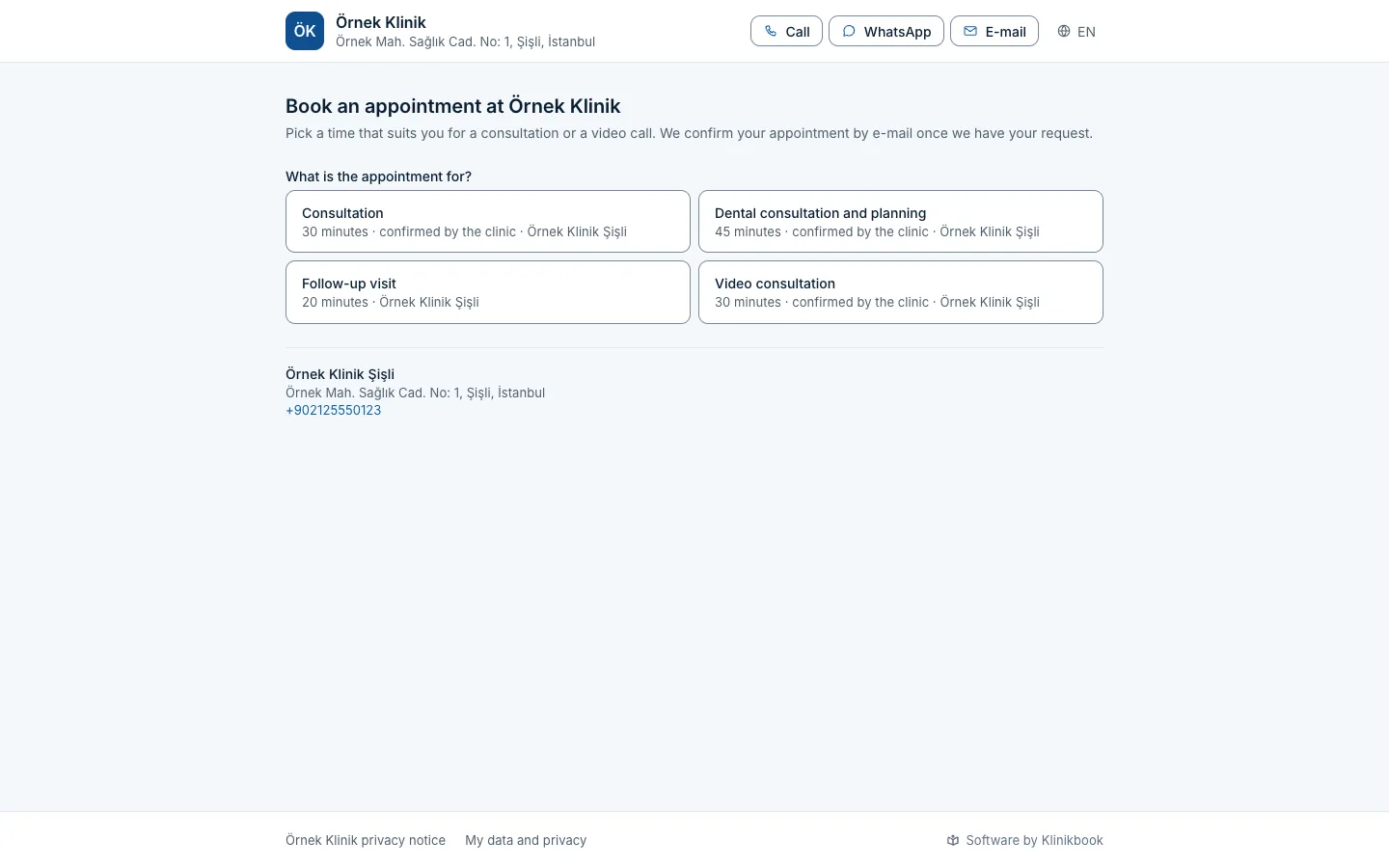
Package price
A ten-session course is a quote, instalments a plan
Prepare the course with its line items as a quote; it downloads as a PDF and the patient accepts it on the portal. You record payments against the plan that acceptance creates. The patient pays you directly; no money passes through Klinikbook.
- Quotes with options or packages
- Deposit and instalment due dates
- Sessions left are counted in the treatment plan
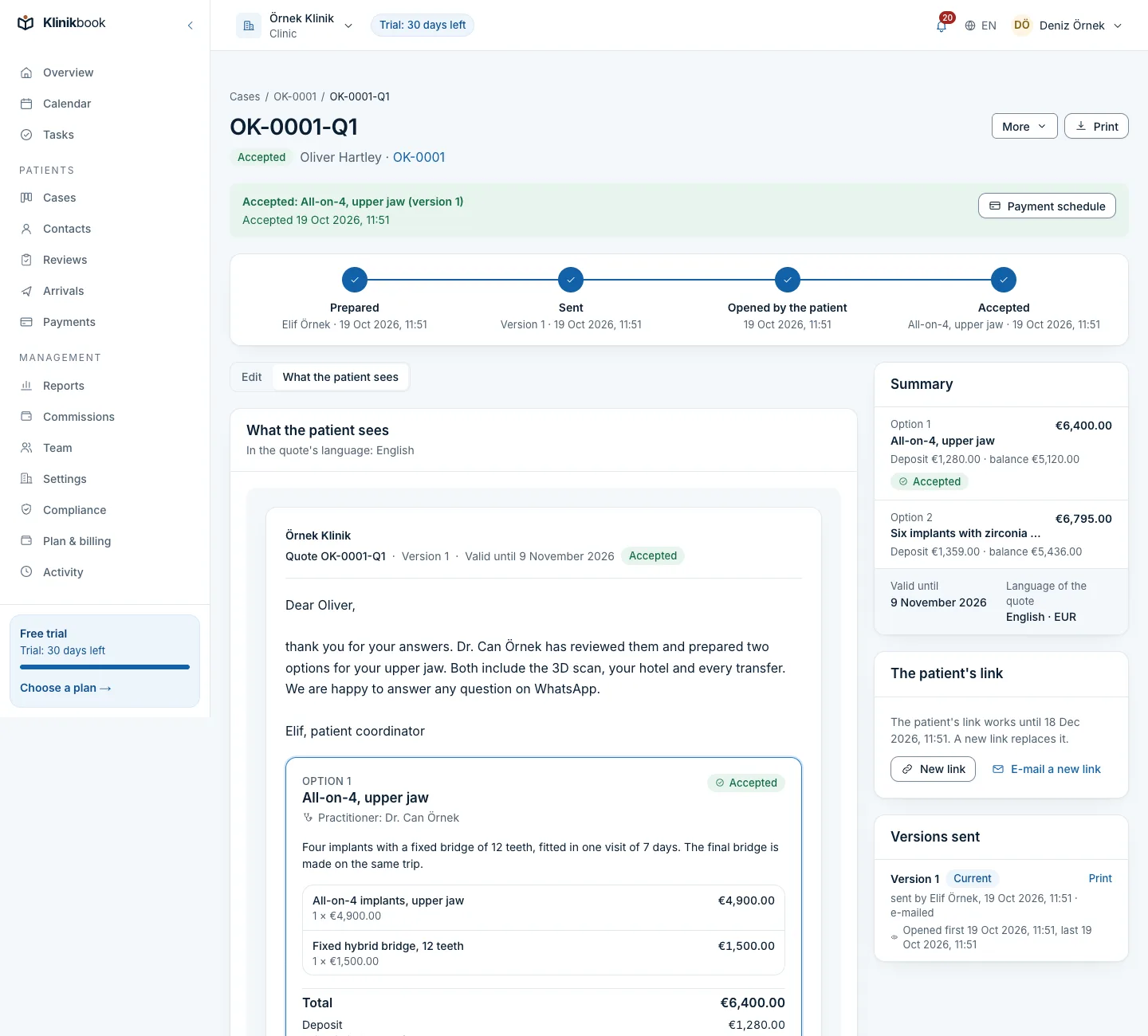
Front desk
No-shows show up on the contact
Each patient's appointments, consents and no-show count sit on one card. When someone keeps missing sessions you see it and can book them into a type that needs your approval.
- Up to three e-mail reminders per appointment
- Call or WhatsApp link in one tap
- Your own SMS or WhatsApp account if you want
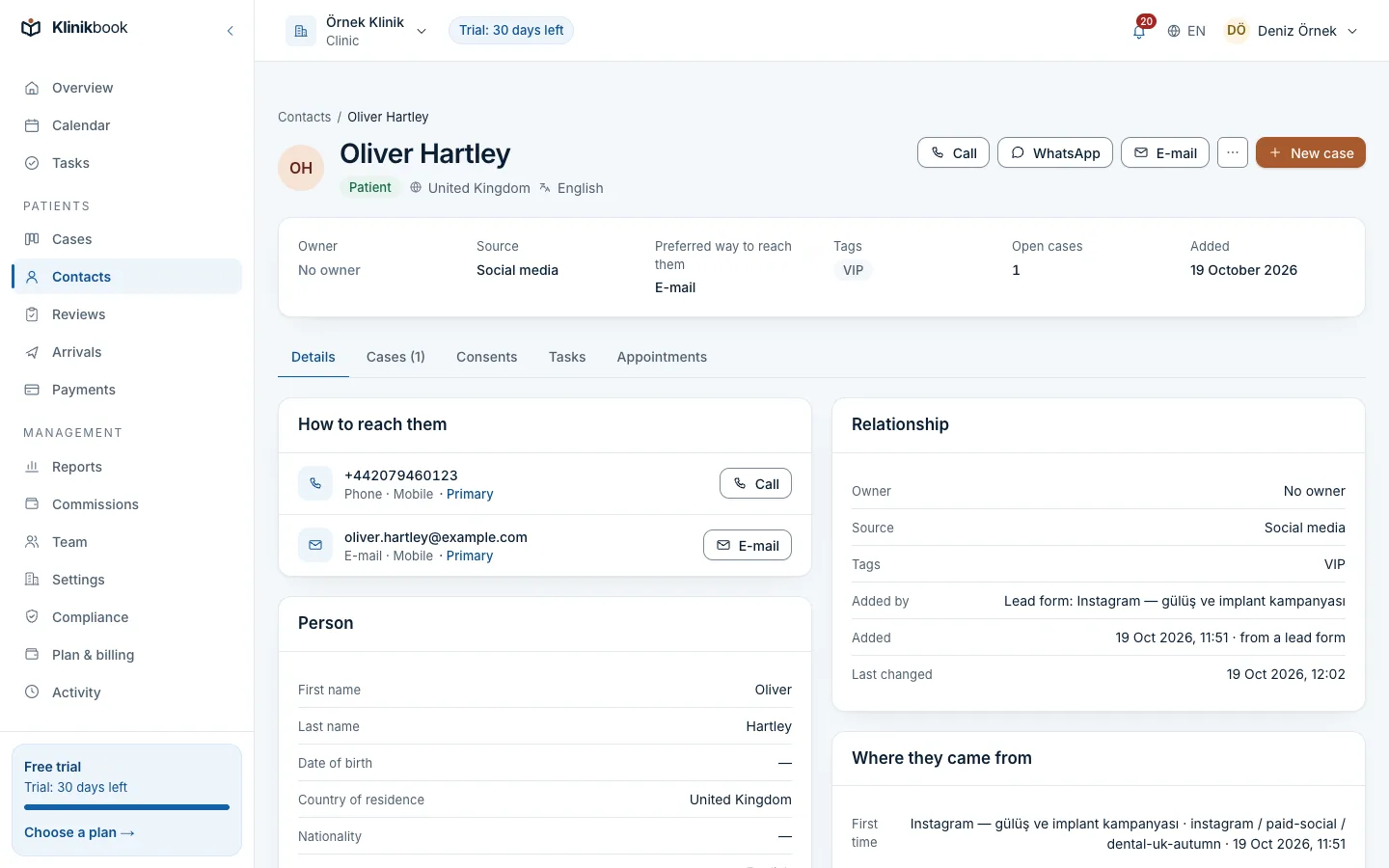
What your physiotherapy centre gets
How your first week goes
Enter your resources
Add your location, therapists, rooms and devices, with opening hours and days off.
Define session types
Set each session type once, with its duration, buffer and the resources it needs.
Share the page
Put the booking page on your website and Google profile, and invite the front desk.
Can I set up a recurring appointment for a patient who comes three times a week?
A plain appointment has no recurring series. For a course of sessions you open a treatment plan, which books the next sessions at the interval you set in one go; the front desk or the patient can also pick them one by one.
Does Klinikbook count the sessions a patient has left?
Yes. A course of sessions is a treatment plan: you enter the number of sessions, the interval and a package or per-session price, the patient accepts by a link, each session is marked done, no-show or cancelled and the sessions left show on the plan. A reminder goes out as a package nears its end.
Does it keep treatment records?
No. It keeps no exercise programmes, clinical notes or diagnoses; those stay in your clinical system. It runs bookings, contact, quotes and follow-up.
Do reminders go by SMS?
Up to three per appointment, in the patient's language, by e-mail by default. If you want, connect your own SMS or WhatsApp account; your provider bills the messages to you.
Do I need a card to try it?
No. The 30-day trial starts without a card.
Related reading
Free tools
30-day free trial
Try Klinikbook with your own team
Every feature is open for 30 days, and no card is needed to start.