
SolutionsFor psychology and therapy practices
Regular sessions, records carefully protected
Klinikbook gives counselling centres and psychologists' private practices an online booking page, e-mail reminders, an administrative-only intake form and restricted access to records. It offers no video sessions and keeps no session notes.
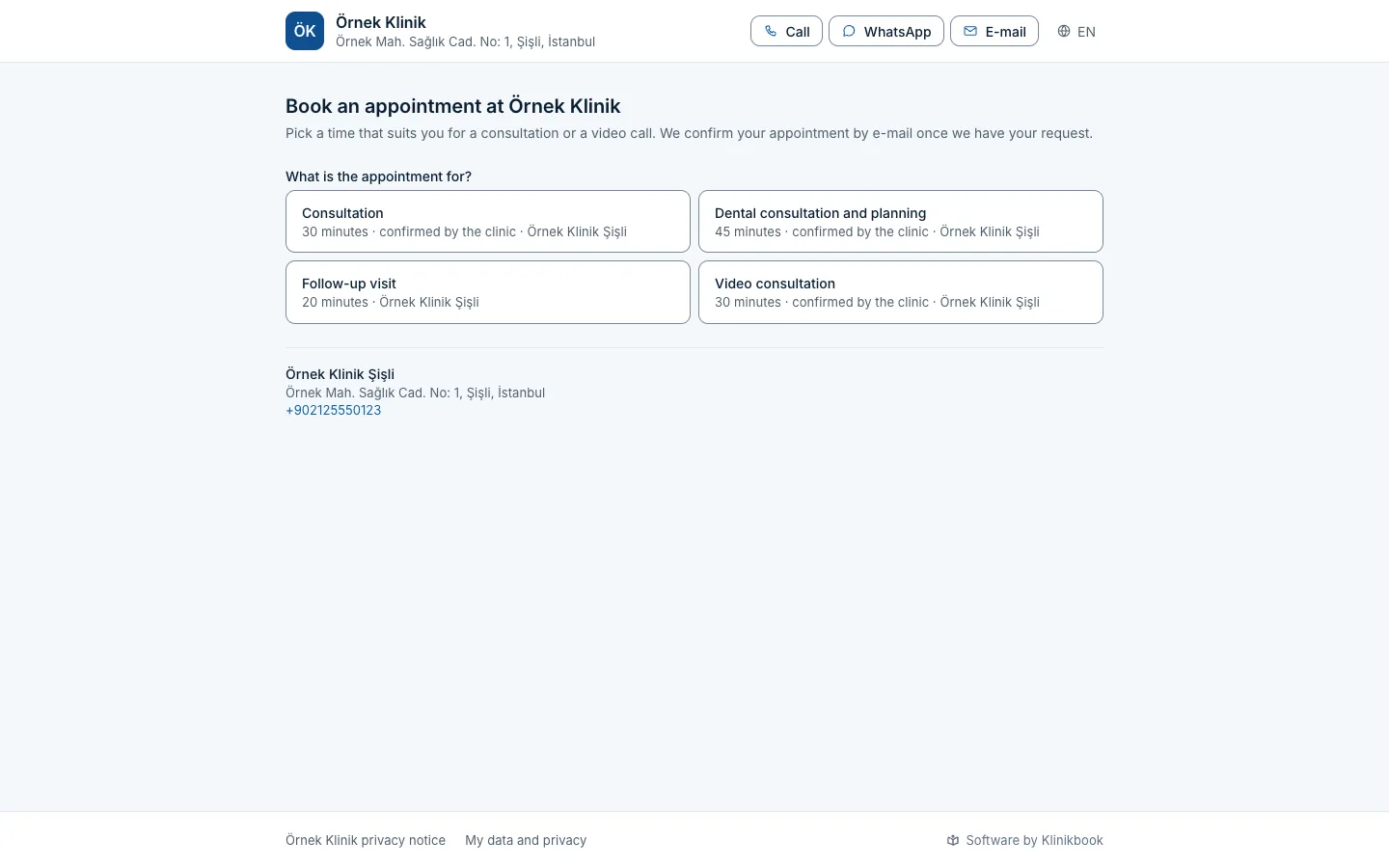
- An online booking page
- E-mail reminders
- Restricted access
A day in a counselling centre
How it usually goes
- Clients ask for appointments by message and the time goes back and forth.
- Contact details are not collected before the first session.
- Client details sit in a sheet anyone can open.
- Reminders are typed by hand and sometimes forgotten.
With Klinikbook
- Clients choose a free time on the page themselves.
- A short intake form collects contact details and preferences.
- Role and team rules decide who sees the records.
- Reminder e-mails go out on their own.
Online booking
Clients pick the time that suits them
Your booking page lists your meeting types, such as a first meeting or an individual session, and the free times, and embeds in your website. Every session is its own appointment; there is no recurring series. It is confirmed at once or waits for your approval.
- You choose the notice period
- A buffer between sessions
- No prices or reviews shown
Intake form
Administrative questions only
Build the form from administrative questions: contact preference, preferred day and time, how they heard of you. You set the questions; you do not have to add clinical questions, and we advise against it.
- You write the questions and conditions
- Explicit consent is taken on the form
- Contact fields you do not need can be switched off
Confidentiality
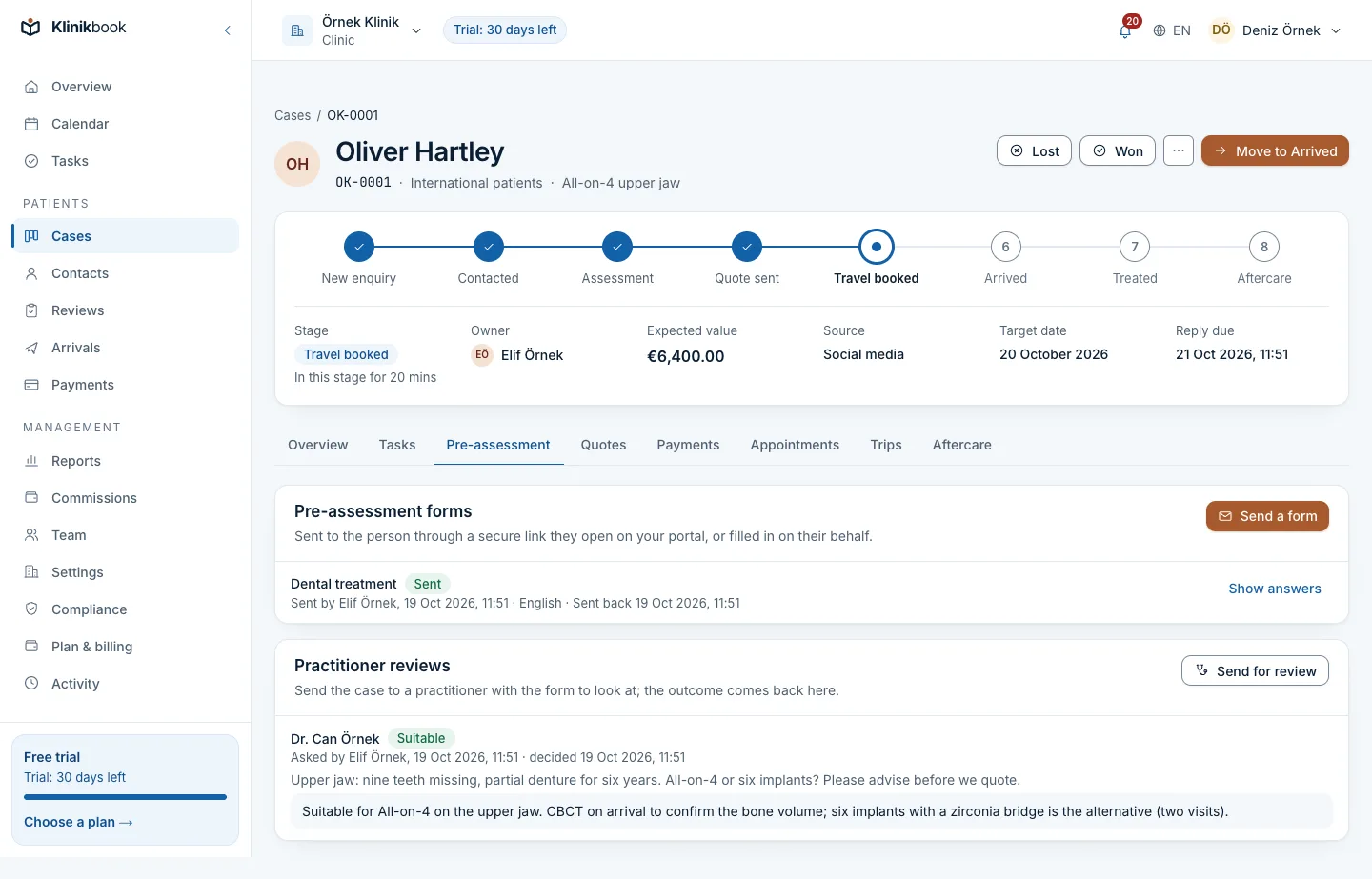
Only their own therapist sees a client
Choose the “only their own” visibility so each psychologist sees only their own contacts and cases. Owners and managers always see everything. Members' actions go to the activity log, and case notes and inbox messages are stored encrypted.
- Visibility per role
- Two-step sign-in can be required for the workspace
- Activity log and open sessions
Compliance
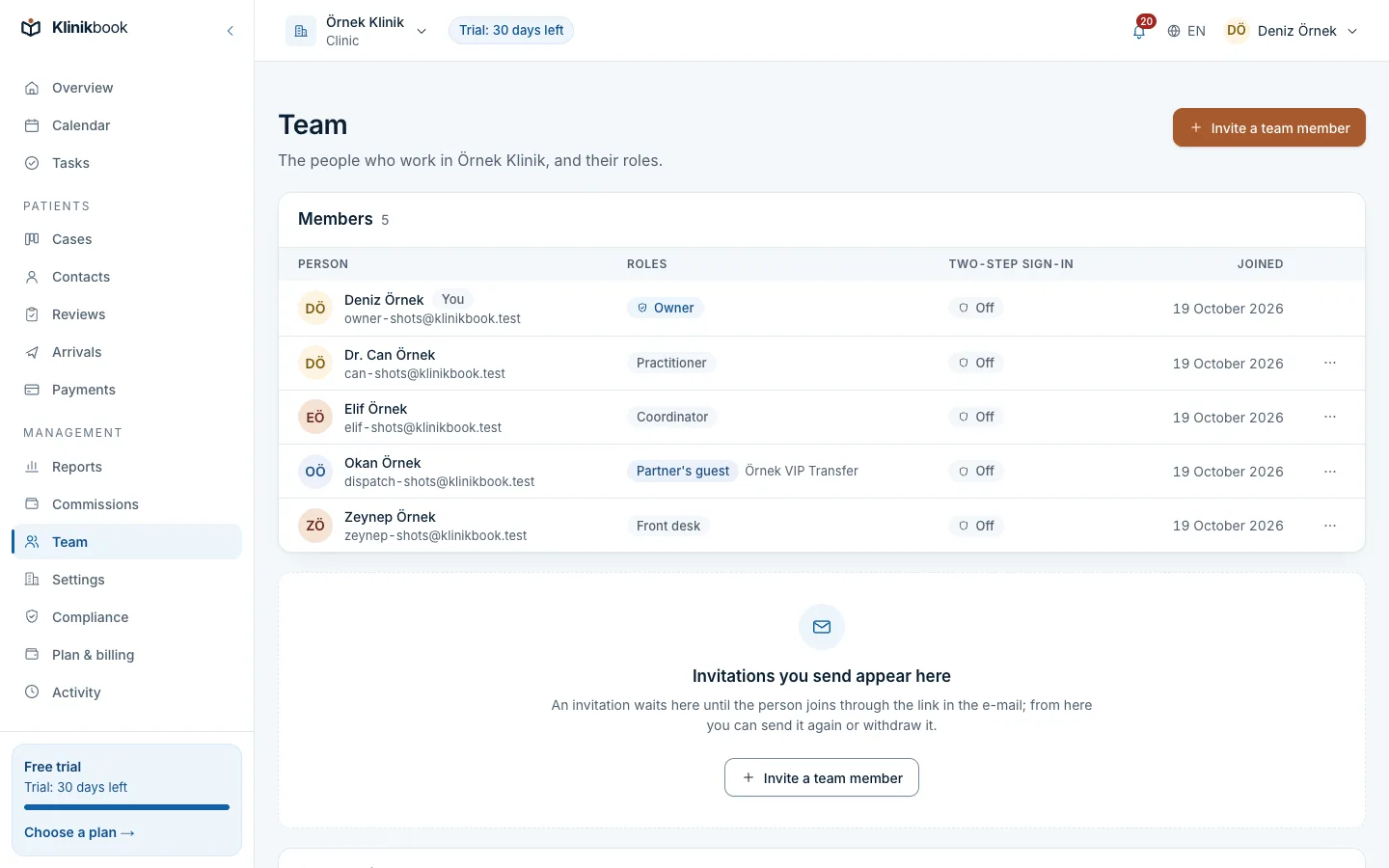
Privacy and consent texts, ready
The compliance centre builds privacy and explicit-consent texts from a template and publishes them in versions. You log a client's data request (copy, erasure, correction). Take legal questions to your own adviser.
- A published privacy notice
- Consent records
- Data requests
What your practice gets
- InboxPortal messages and e-mail; messages are stored encrypted.
How your first day goes
Define meeting types
Add a first meeting, an individual session and so on, with their durations.
Choose visibility
Give each psychologist the “only their own” rule.
Share the page
Add the booking link to your website and profiles.
Can we hold online sessions?
Klinikbook offers no video sessions. You book the appointment in Klinikbook and hold the meeting with a tool of your own choosing.
Does it keep session notes or diagnoses?
No. Klinikbook keeps no session notes, diagnoses or test results; they stay in your own system.
Is there a recurring appointment for weekly sessions?
There is no recurring series for plain appointments; each session is booked as its own appointment. You can also use a treatment plan for a course of sessions.
Do reminders go by SMS?
E-mail is the default. If you want, connect your own SMS or WhatsApp account (Netgsm, İleti Merkezi, Twilio, WhatsApp Cloud API) and reminders go there too; your provider bills the messages to you and Klinikbook charges nothing for them.
Related reading
Free tools
30-day free trial
Try Klinikbook with your own team
Every feature is open for 30 days, and no card is needed to start.